



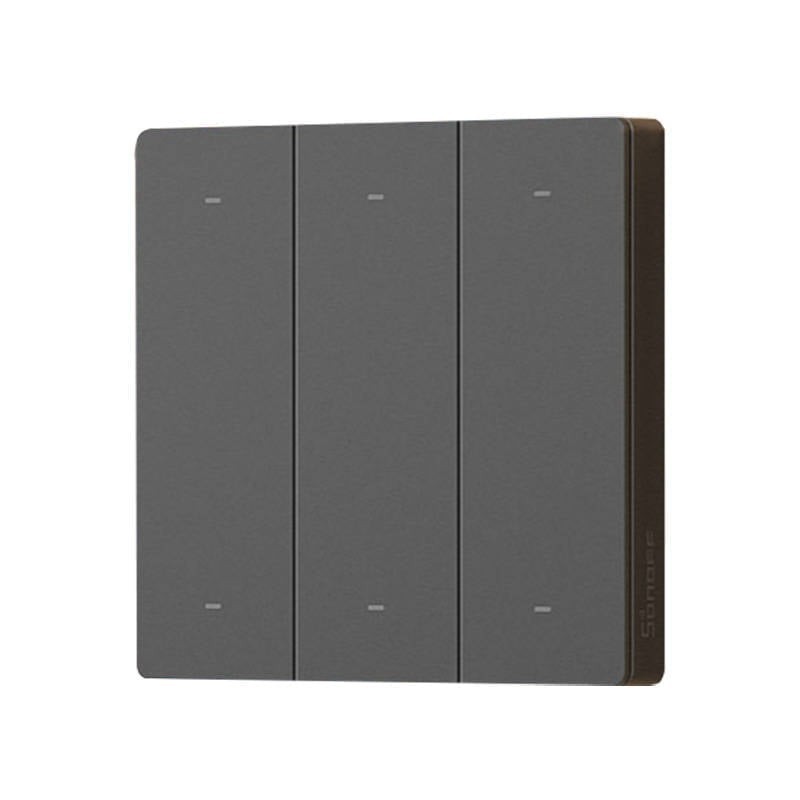
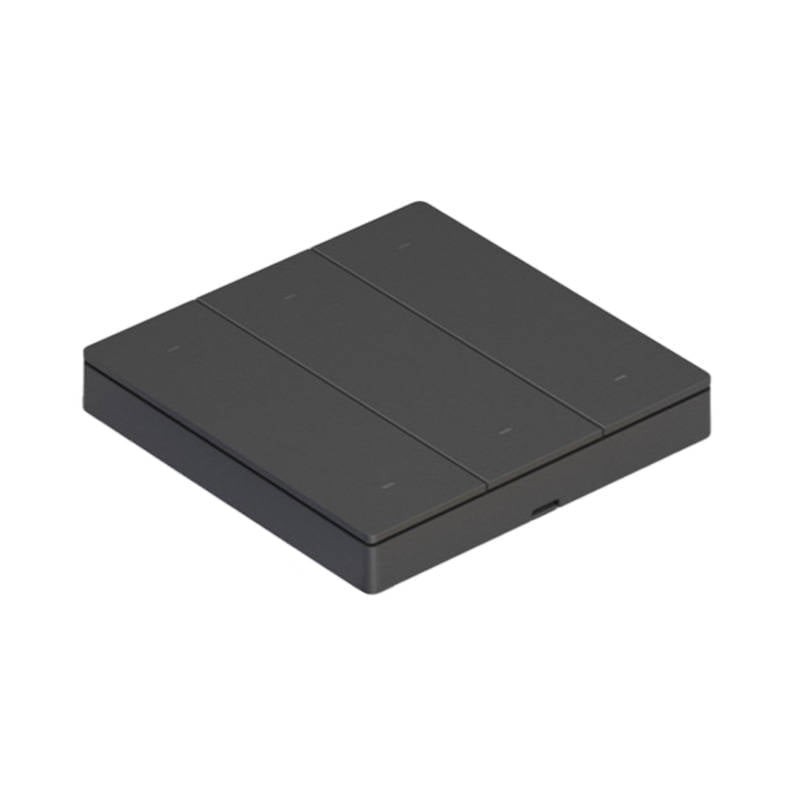
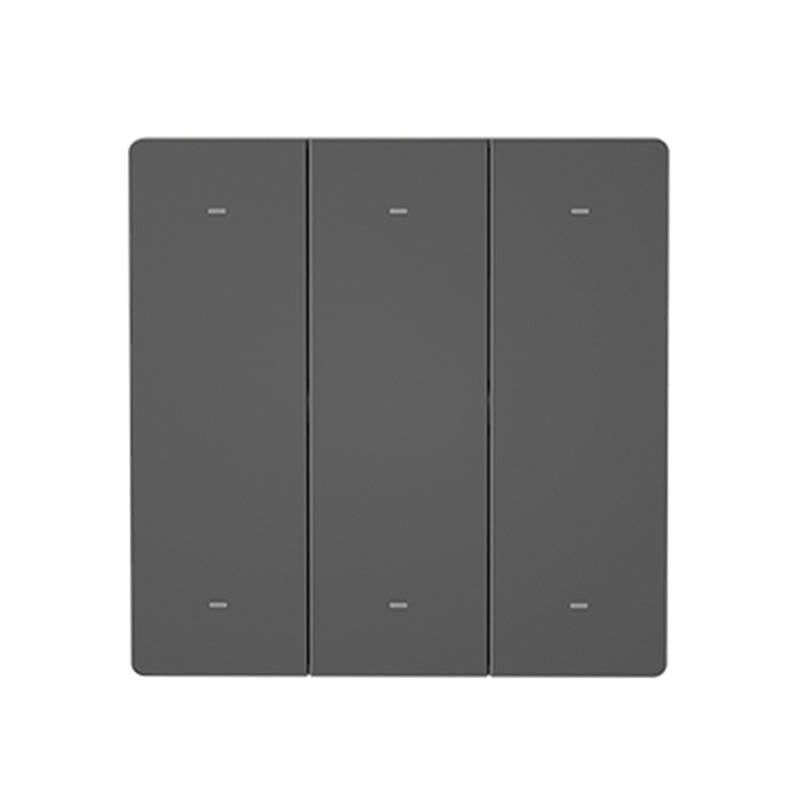
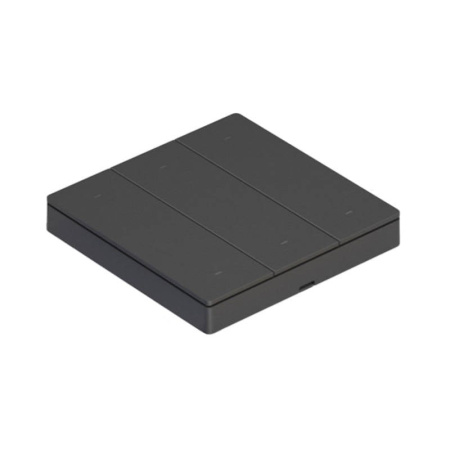
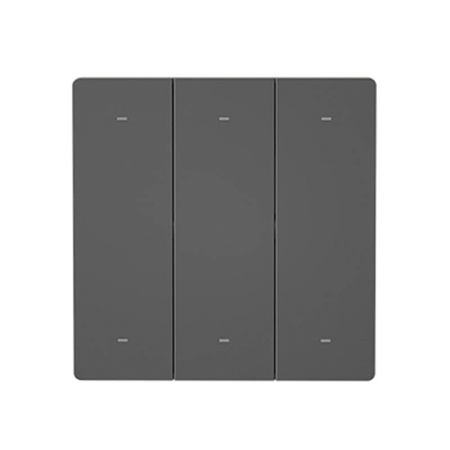
Smart Scene Wall Switch Sonoff R5
Make it easy to operate your smart devices. The Sonoff R5 wall switch is equipped with 6 buttons, and with the eWeLink-Remote gateway function, it allows you to remotely control devices added to the eWeLink app. Its range is up to 90m, and it also supports 3 types of trigger actions. You can use it to trigger both a single action and an entire scene. The product is very easy to install, and you can mark its buttons with the included stickers.

Made for the smart home
Experience how simple and convenient smart home management can be. If you don't want to control your devices located in different rooms via an app, you can use the R5 switch. The eWeLink-Remote gateway function allows you to locally control your smart appliances at a distance of up to 90 meters. 2-way lighting control is also possible using an additional M5 switch (sold separately).
Even more convenient operation
With just the press of a button, you can call up a smart scene created earlier using the app. When an Internet connection is available, you can turn on all the lights in the kitchen or turn off the bedside lamps in the bedroom with one click. In addition, one eWeLink Remote gateway device can be connected to as many as 8 R5s! This means that you can successfully use more switches to operate one lamp.
Push the button in 3 ways
Get even more options. The switch buttons can be pressed in 3 ways - the available options are single click, double click and long click. Each type of press can correspond to a different action. For example, a single click will turn on all the bedroom lights, a double click will turn on only the bedside lamps, and a long click will make all the lights go out. The choice is yours - the possibilities are almost endless!
Simple installation - long working time
The device is extremely easy to install. All you have to do is stick it to the wall with the help of adhesive stickers you will find in the package. You don't have to worry about wiring! You can also use the switch like a regular remote control and simply put it on a table or shelf. What's more, you'll only eed 2 CR2032 batteries to power the device, which will provide an operating time of up to 2 years.
20 stickers included
Worried that you won't remember which devices certain switch buttons are assigned to? Worried that you will get confused? Don't be! In the set you will find 20 stickers, with which you can easily mark the functions of specific buttons. Create your own personalized switch, customize it according to your eeds and enjoy convenient operation of smart devices in your home!
In the box
- R5 switch
- Mounting screws
- Self-adhesive stickers
- Stickers for marking the buttons
- User manual
Specifications
| Brand | Sonoff |
|---|---|
| Model | R5 |
| Number of buttons | 6 |
| Power source | 2x 3V CR2032 batteries |
| Working temperature | 0°C-40°C |
| Material | PC V0 |
| Dimensions | 86x86x13.5mm |
| Color | Gray |
To purchase a product in our online store, select the product you like and add it to your shopping cart. Next, go to the Cart and click on "Checkout" or "Quick order".
When placing a quick order, write your full name, phone number and e-mail. The manager will call you back and clarify the conditions of the order. Based on the results of the conversation, you will receive a confirmation of the registration of the goods by mail or via SMS. Now it remains only to wait for delivery and enjoy the new purchase.
Placing an order in the standard mode is as follows. Completely fill out the form in successive stages: address, delivery method, payment, information about yourself. We advise you to write in the comments to the order information that will help the courier find you. Click the "Checkout" button.
Pay for purchases in a convenient way. There are 3 payment options available in the online store:
- Cash on pickup or delivery by courier. The specialist will contact you on the day of delivery to clarify the time and prepare the change from any banknote in advance. You sign shipping documents, deposit funds, receive goods and a check.
- Cashless payment for self-delivery or registration in the online store: Visa and MasterCard cards. To pay for the purchase, the system will redirect you to the server of the ASSIST system. Here you need to enter the card number, expiration date and the name of the holder.
- Electronic systems for online ordering: PayPal, WebMoney and Yandex.Money. To make a purchase, the system will redirect you to the payment service page. Here you need to fill out the form according to the instructions.
Save time on ordering. There are 4 delivery options available in the online store:
- Courier delivery works from 9.00 to 19.00. When the goods arrive at the warehouse, the courier service will contact you to clarify the details. The specialist will offer to choose a convenient delivery time and specify the address. Inspect the packaging for integrity and compliance with the specified configuration.
- Pickup from the store. A list of outlets to choose from will appear in the shopping cart. When the order arrives at the warehouse, you will receive a notification. To receive an order, contact the employee in the checkout area and give the number.
- Postamat. When the order arrives at the outlet, a unique code will be sent to your phone or e-mail. The order must be paid at the parcel terminal. Shelf life - 3 days.
- Postal delivery via Russian Post. When the order arrives at the branch, a notice of the parcel will be sent to your address. Before paying, you can evaluate the condition of the box: weight, integrity. You can open the box yourself only after paying for the order. One order can contain no more than 10 items and its value should not exceed 100,000 rubles.
An additional tab to place information about the store, delivery, or any other important content. It will help you answer the buyer's questions and dispel his doubts about the purchase. Use it at your discretion.
You can remove it or bring it back by changing one checkbox in the component's settings. Very comfortably.